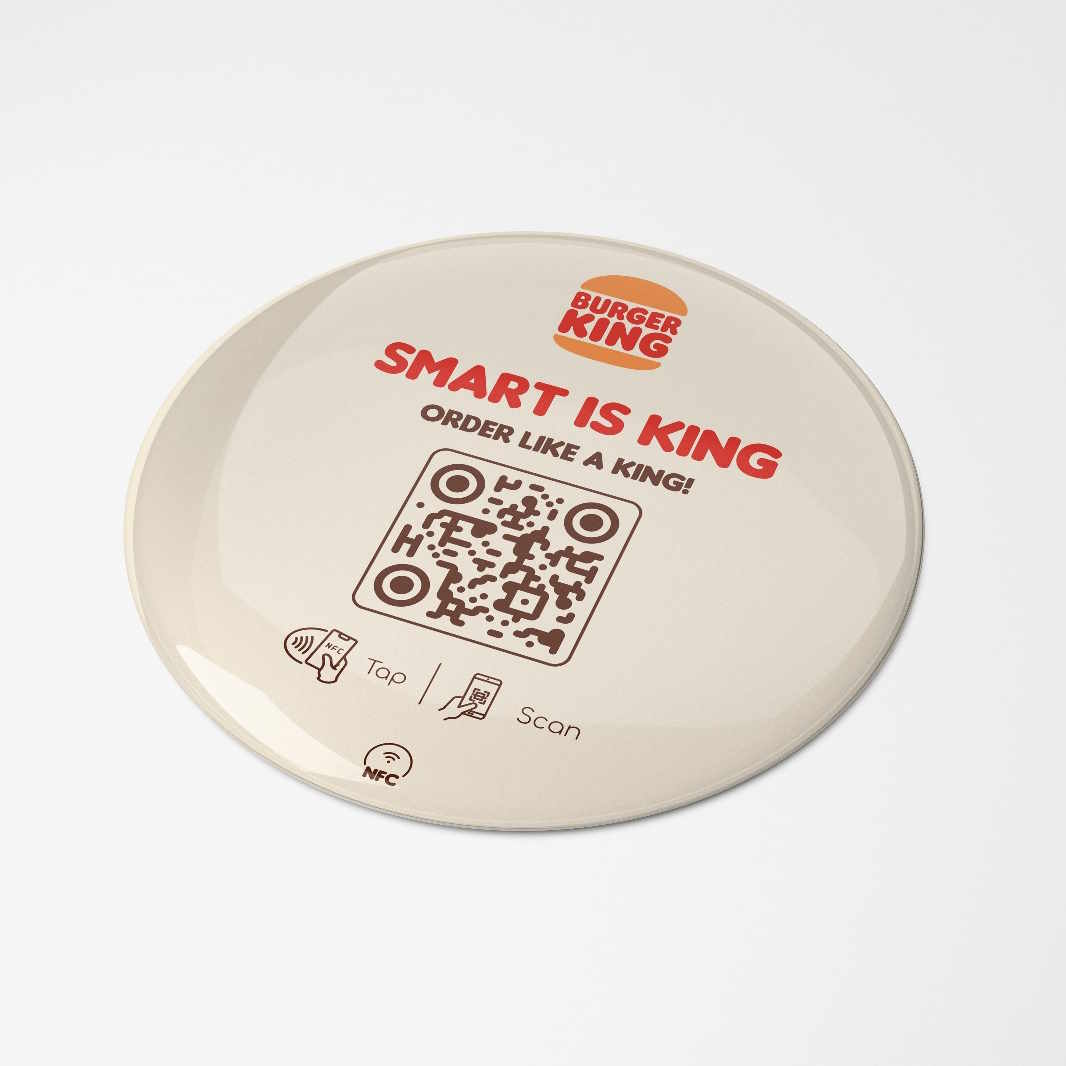
Google Reviews

Get more Google reviews — right at the moment customers are happiest.

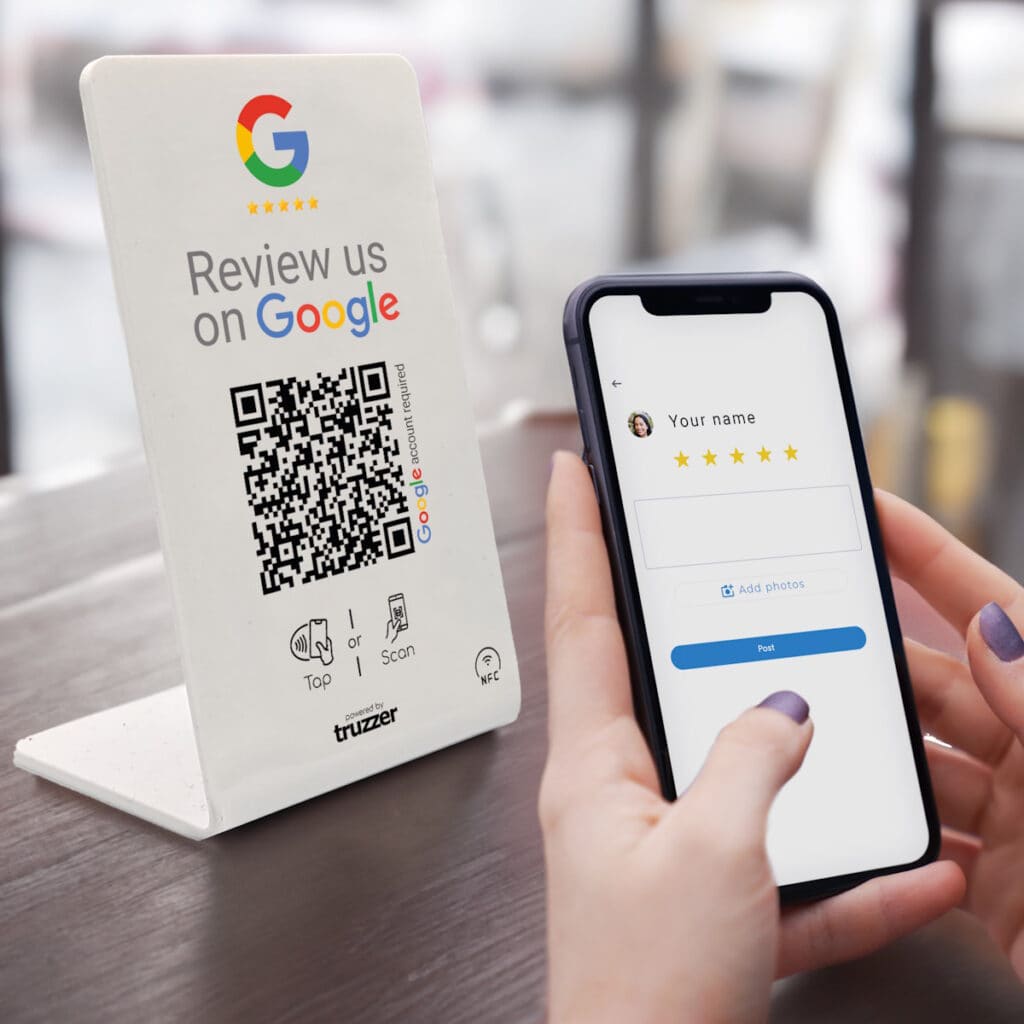
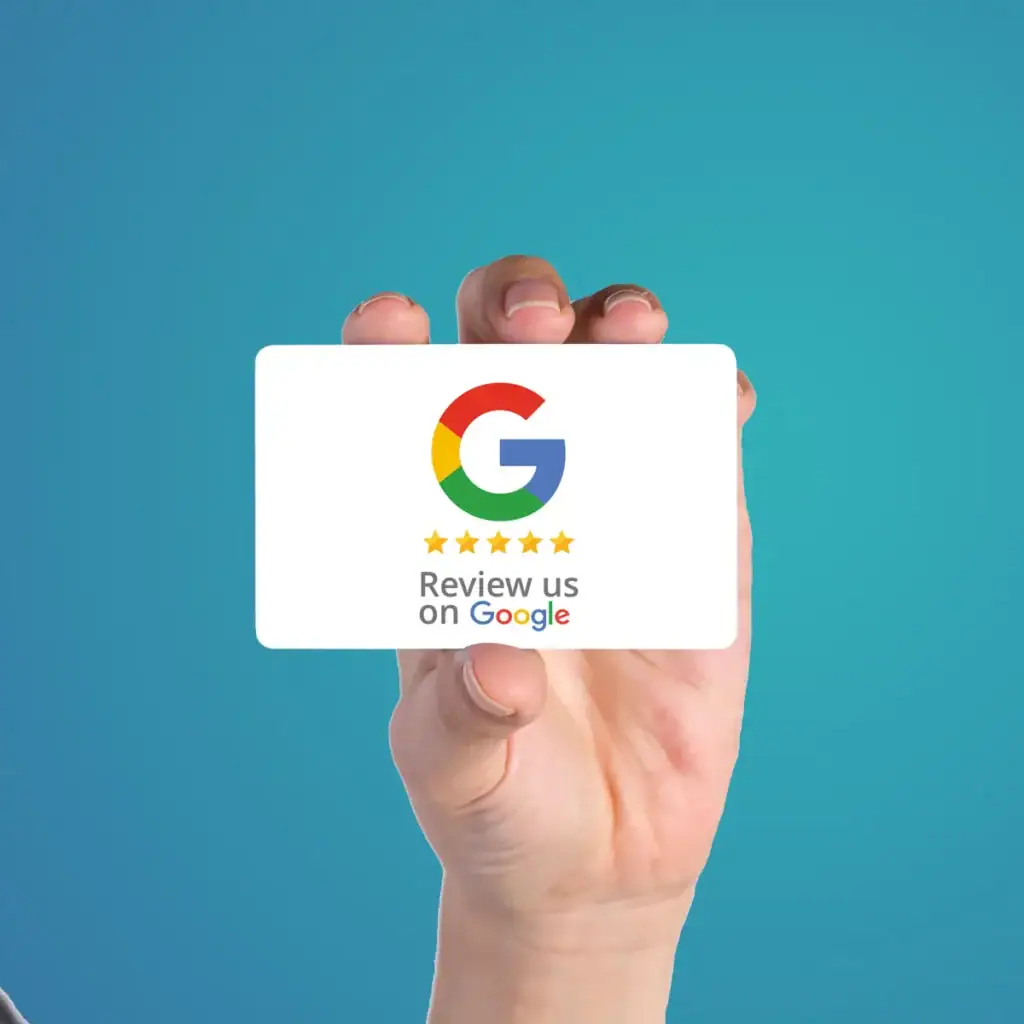
Customers tap (NFC) or scan (QR) and land directly in your Google review flow. No app. No explaining. No extra steps.

Done-for-you setup

TRUZZER configures everything — you just order, unpack, and use it.

Tap or scan instantly

NFC for the fastest action, QR as the universal fallback on every phone.

Built for real places

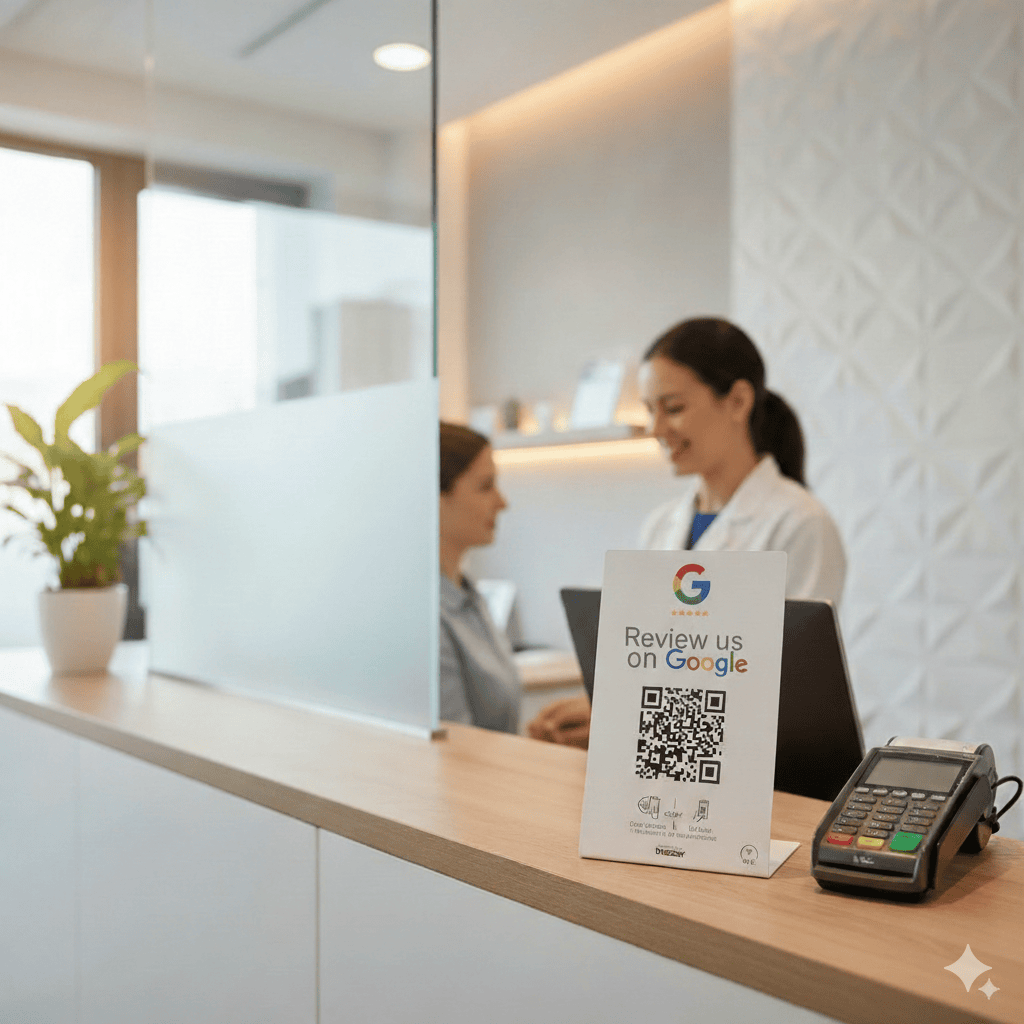
Perfect for counters, reception desks, invoices, appointments, and after-sales handovers.

Made in Germany · International Support · Managed Setup

More than 20,000 companies worldwide successfully use Truzzer’s products to boost their business growth. –  #timetojointhem.

Get more Google reviews with NFC + QR — faster, with less friction.

Reviews don’t happen “later.” They happen when the customer is still there. TRUZZER removes the typical drop-off: no searching, no hunting for the right listing, no “send me the link.” One tap or scan opens the review action immediately — so more happy customers actually finish.

Choose the format that fits your business

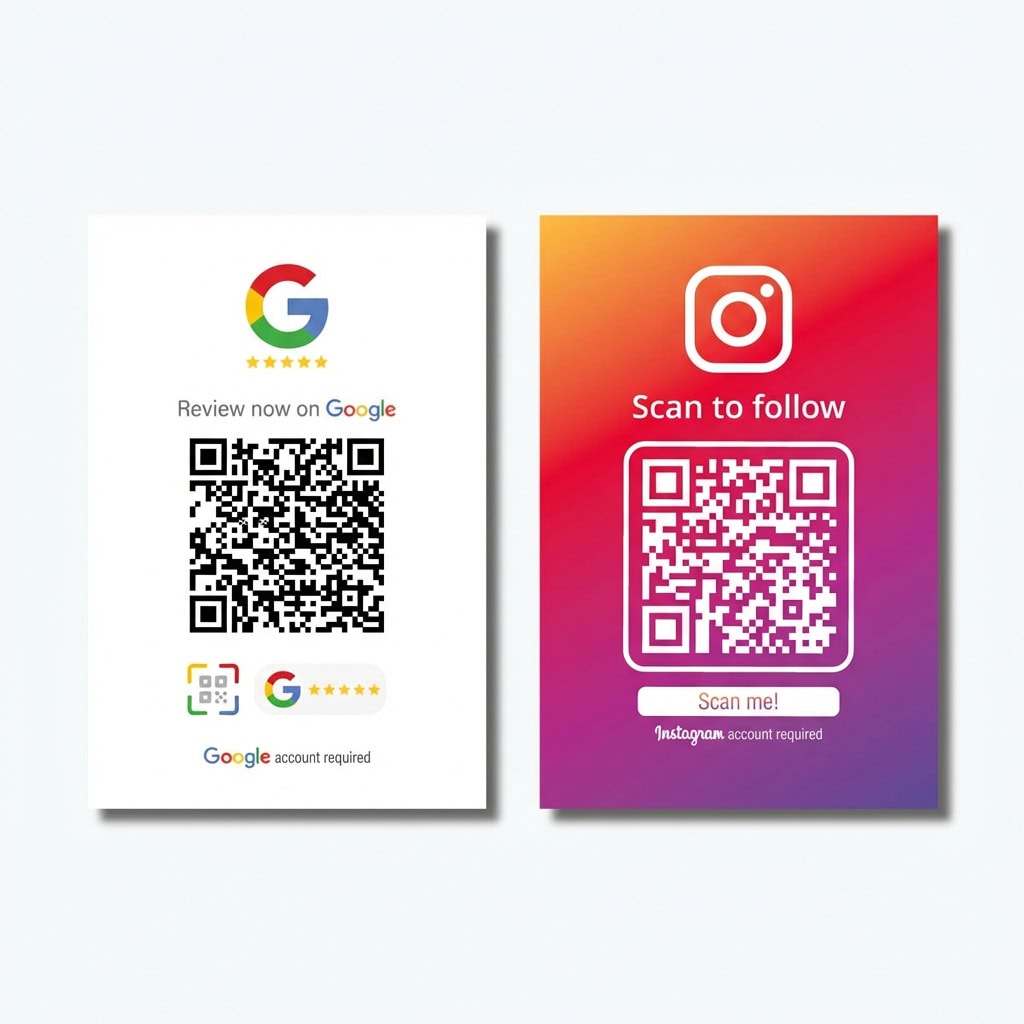
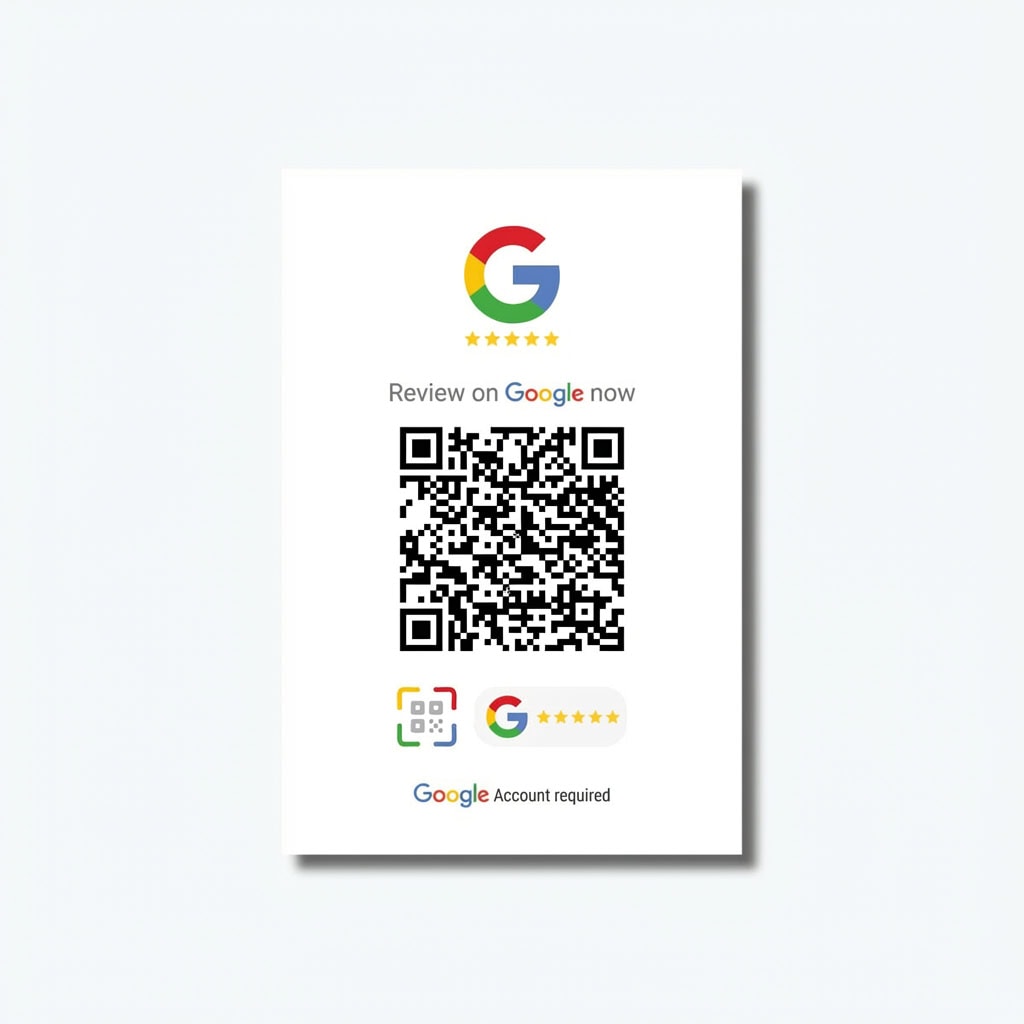
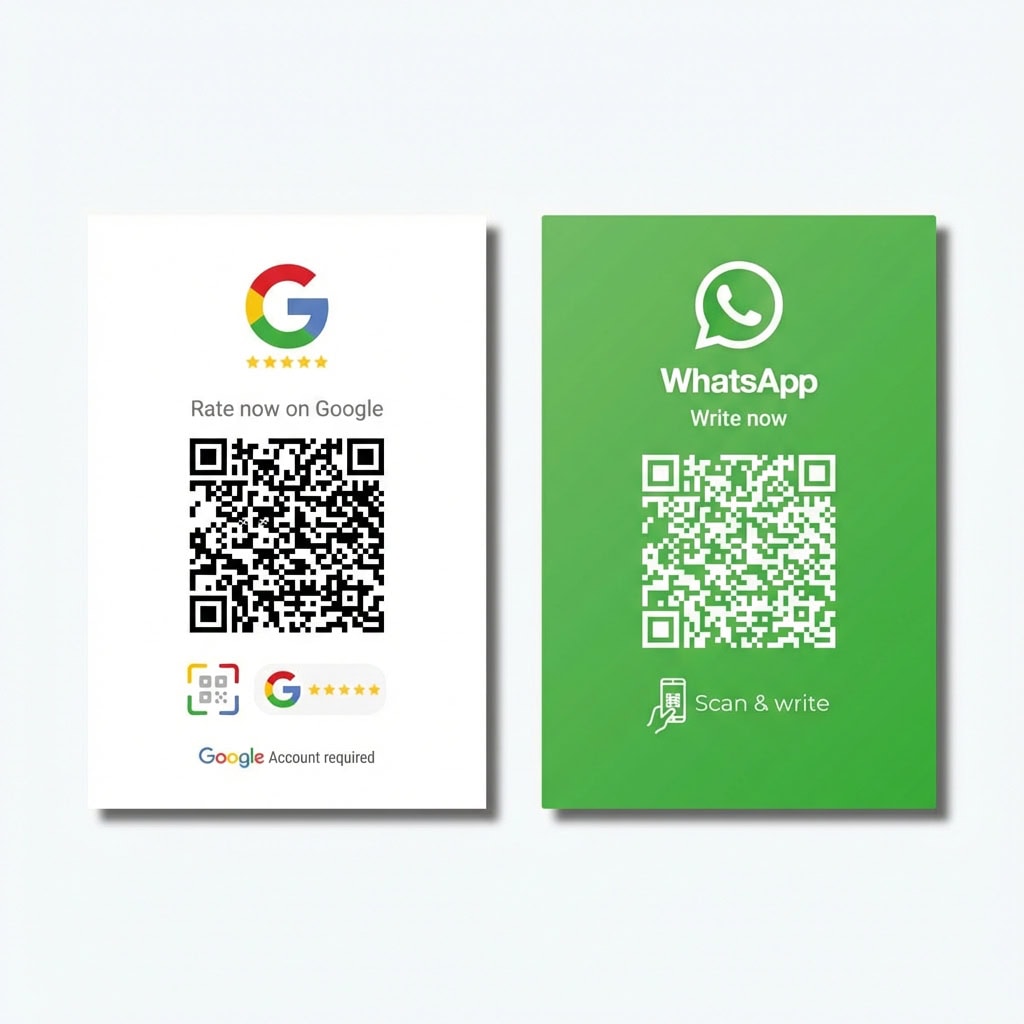
The action stays the same (Google review). The format decides visibility and usage — counter, table, packaging, invoices, or handover moments.

Why customers don't review — even when they're happy

Most businesses don’t have a “service problem.” They have a timing + friction problem. The customer is satisfied, but the steps are annoying — so the review never happens.

Too much friction

“I’ll do it later” turns into “never.”

Too many steps

Search, find the right listing, sign in — people drop off.

No trigger at the right moment

The customer leaves — and the impulse is gone.

How it works

TRUZZER turns an offline moment into one clear online action: tap/scan → review. We handle setup and testing — you get a ready-to-use product.

1. Pick your product

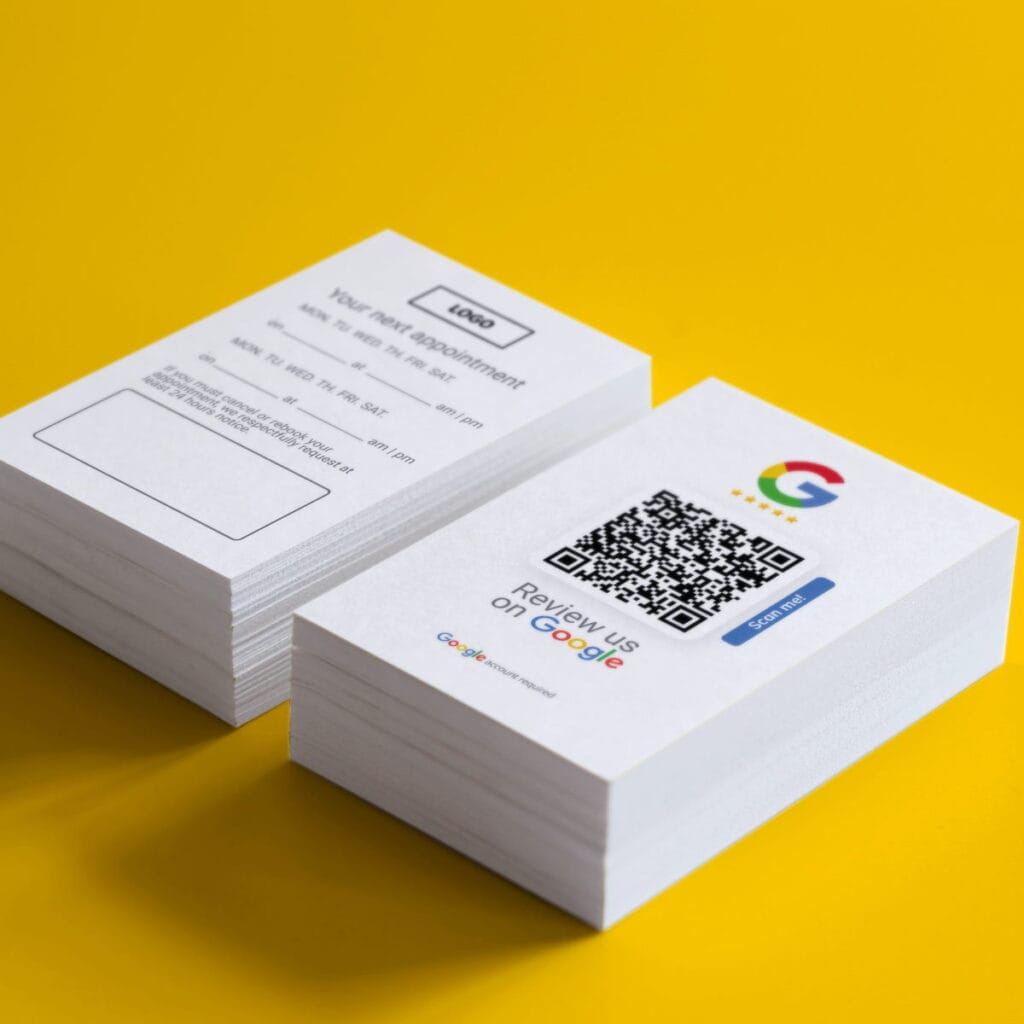
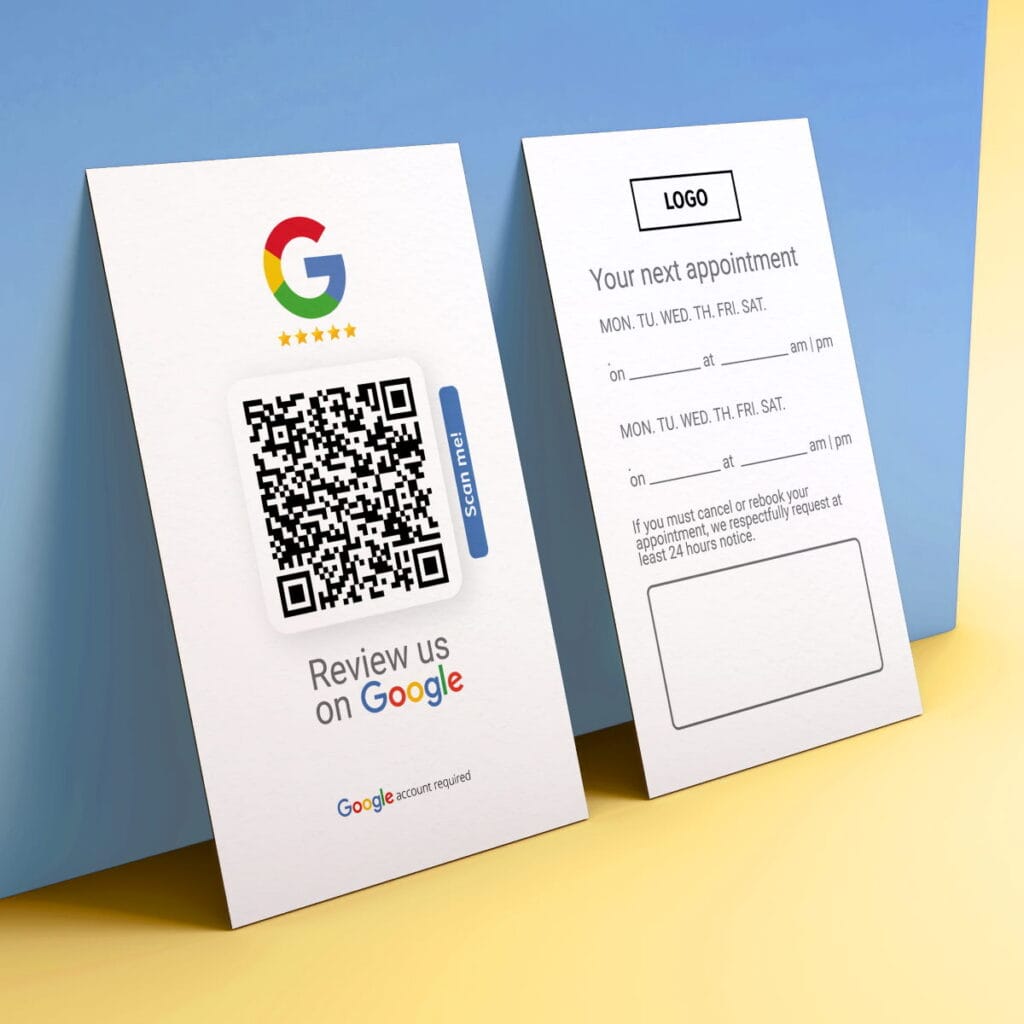
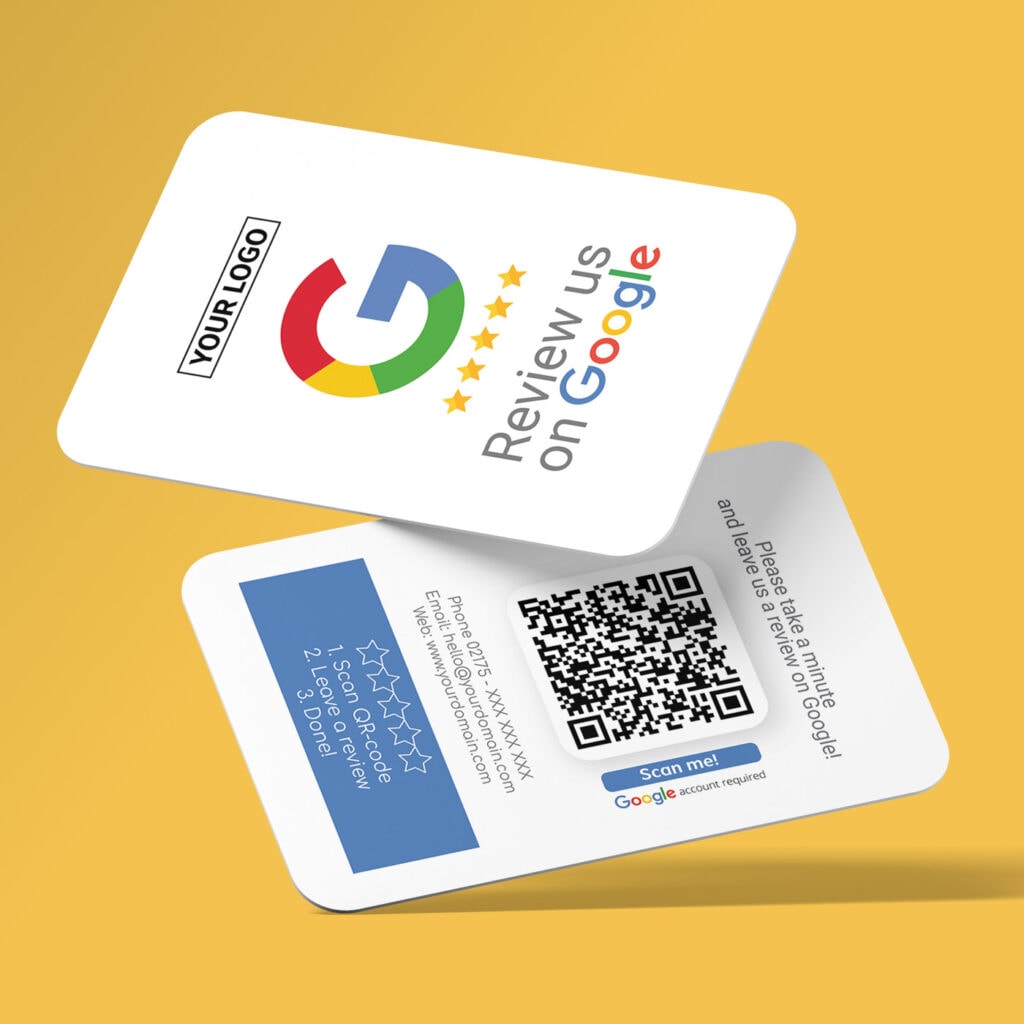
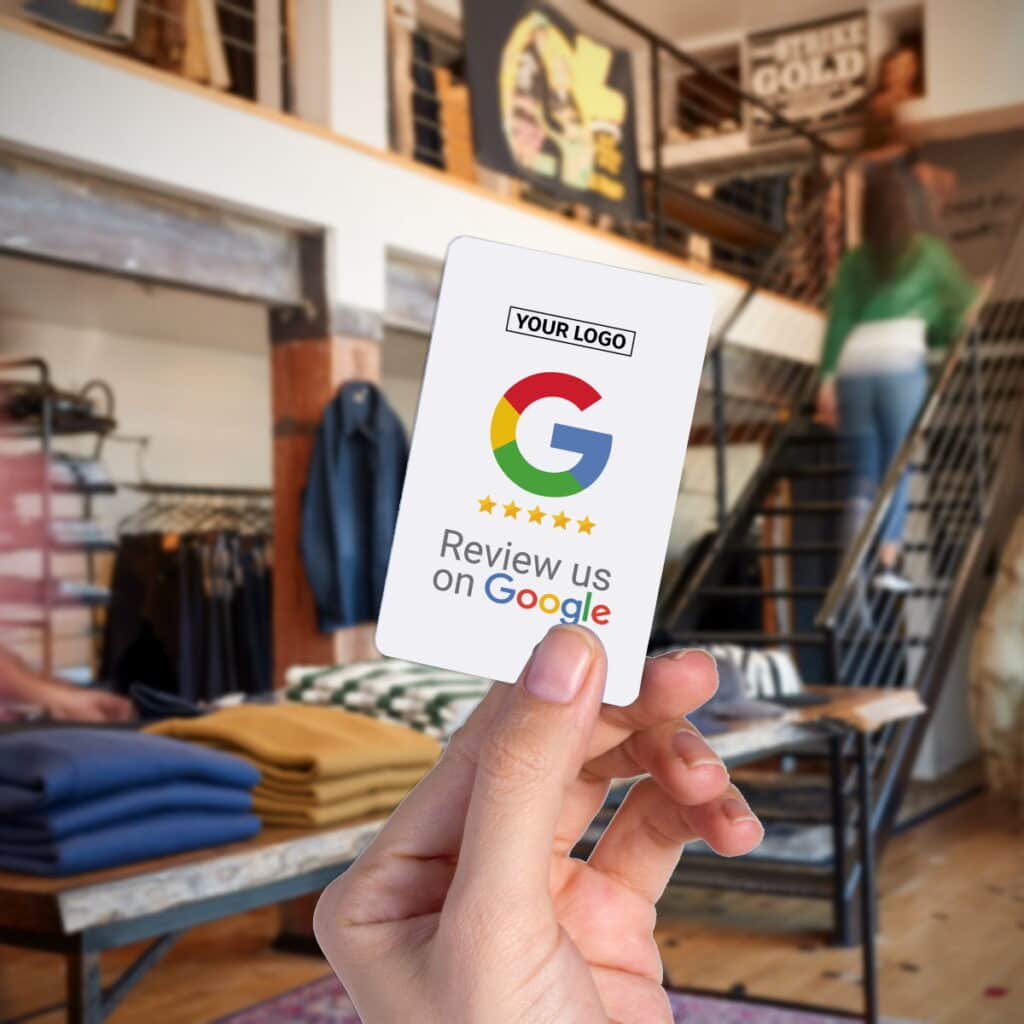
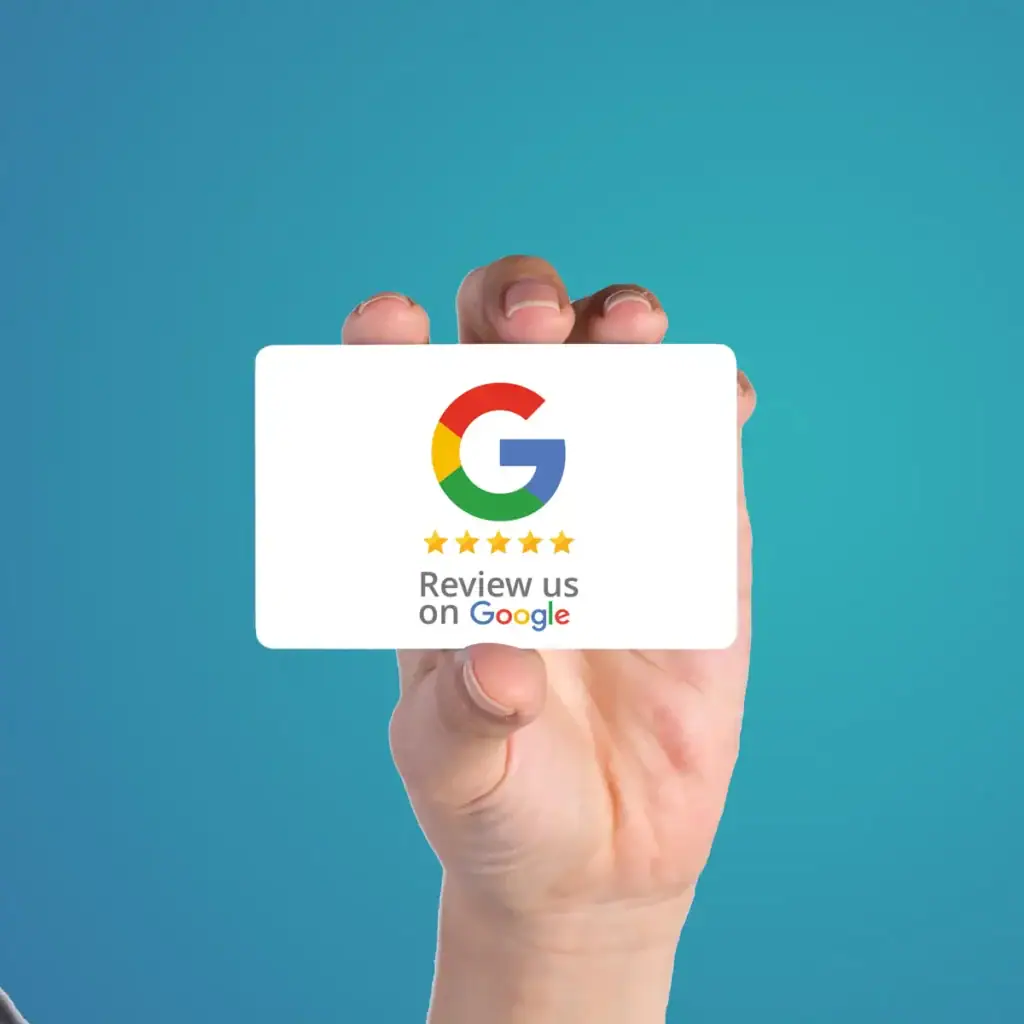
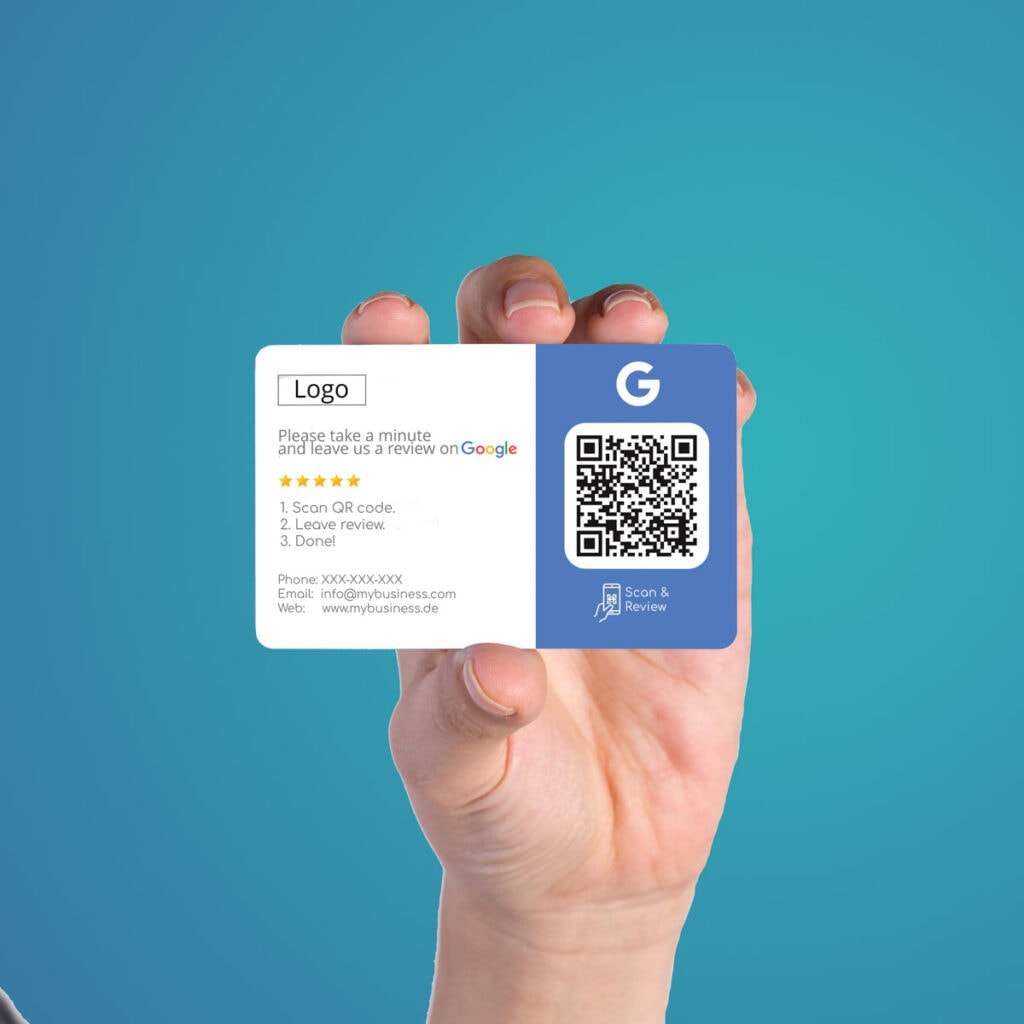
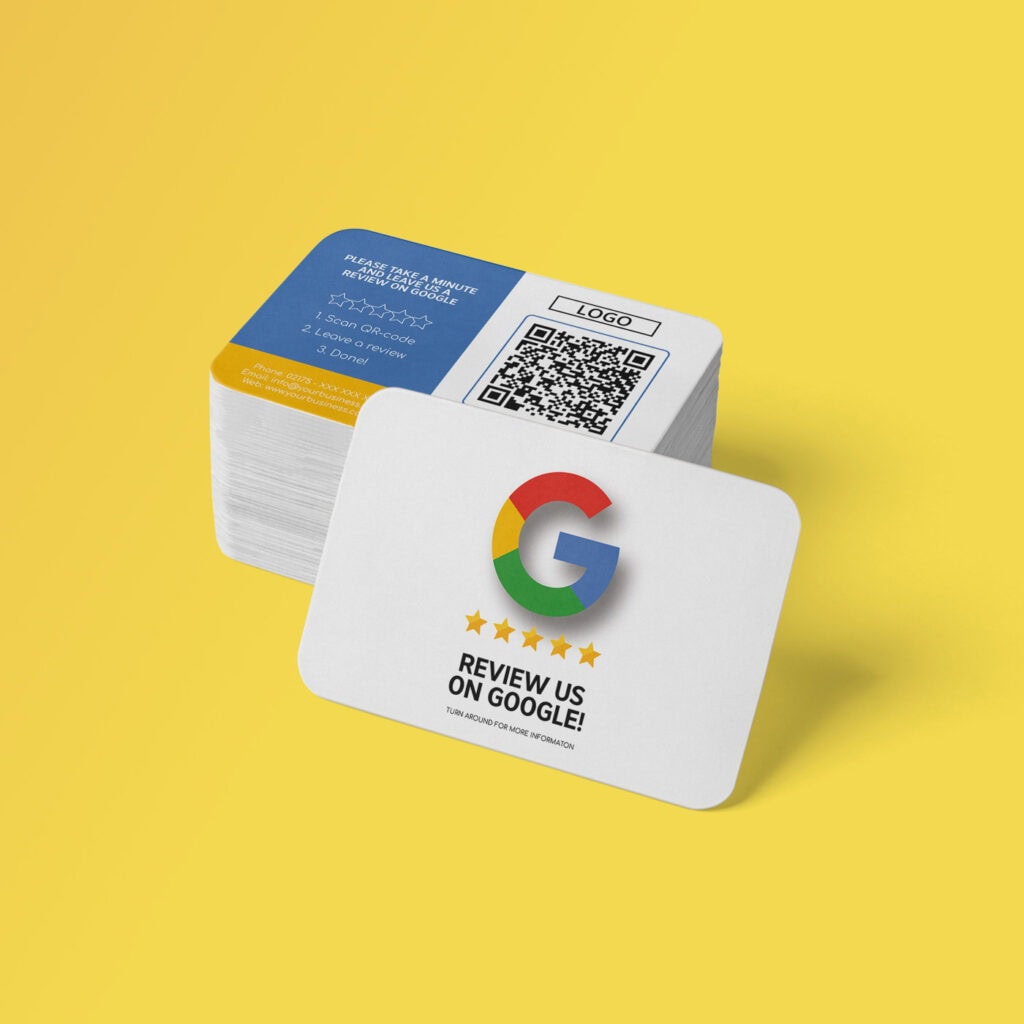
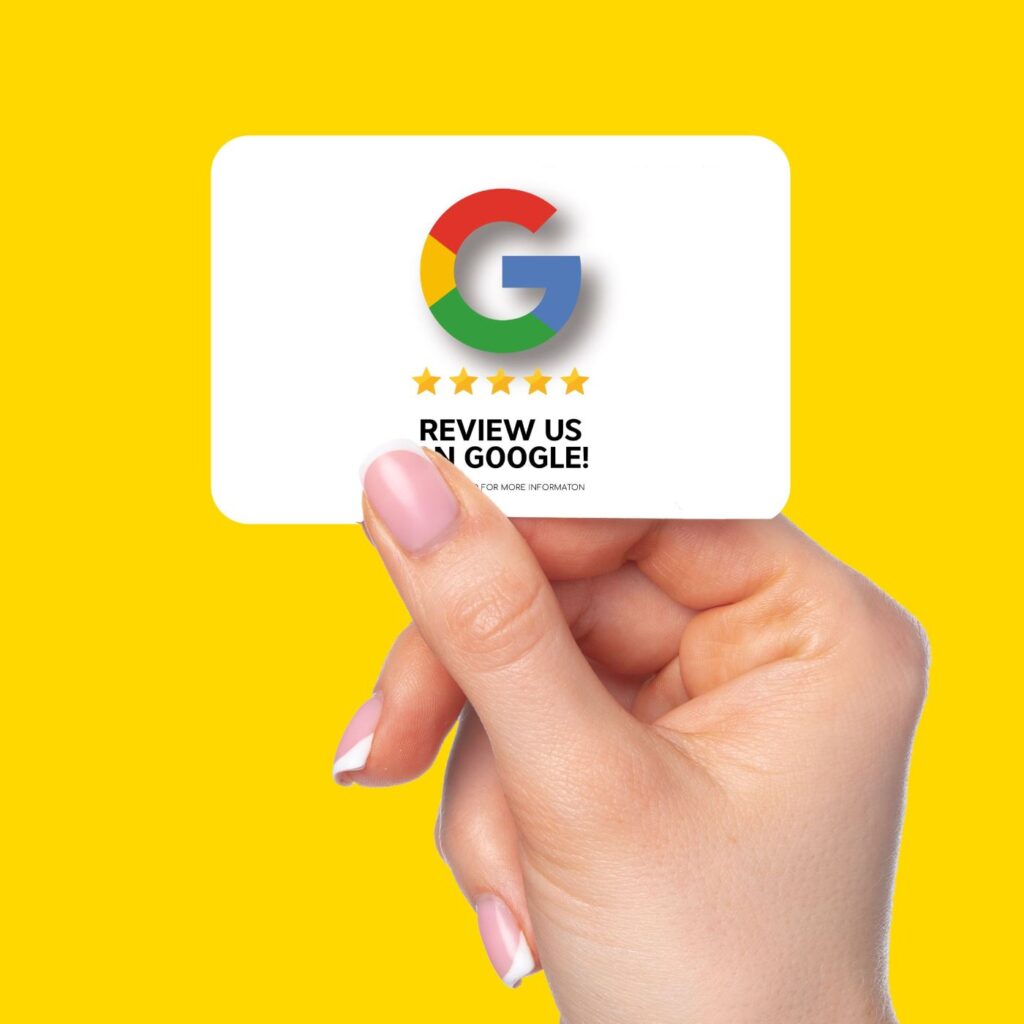
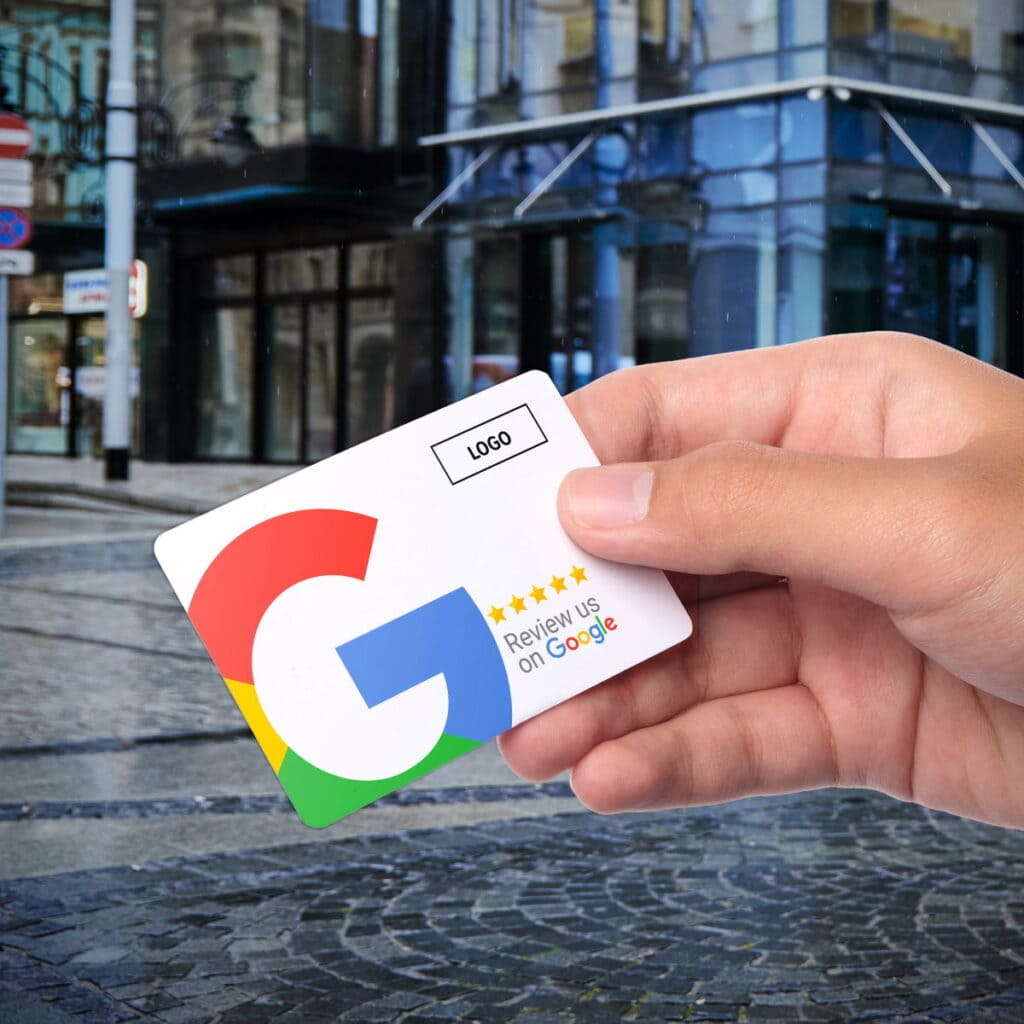
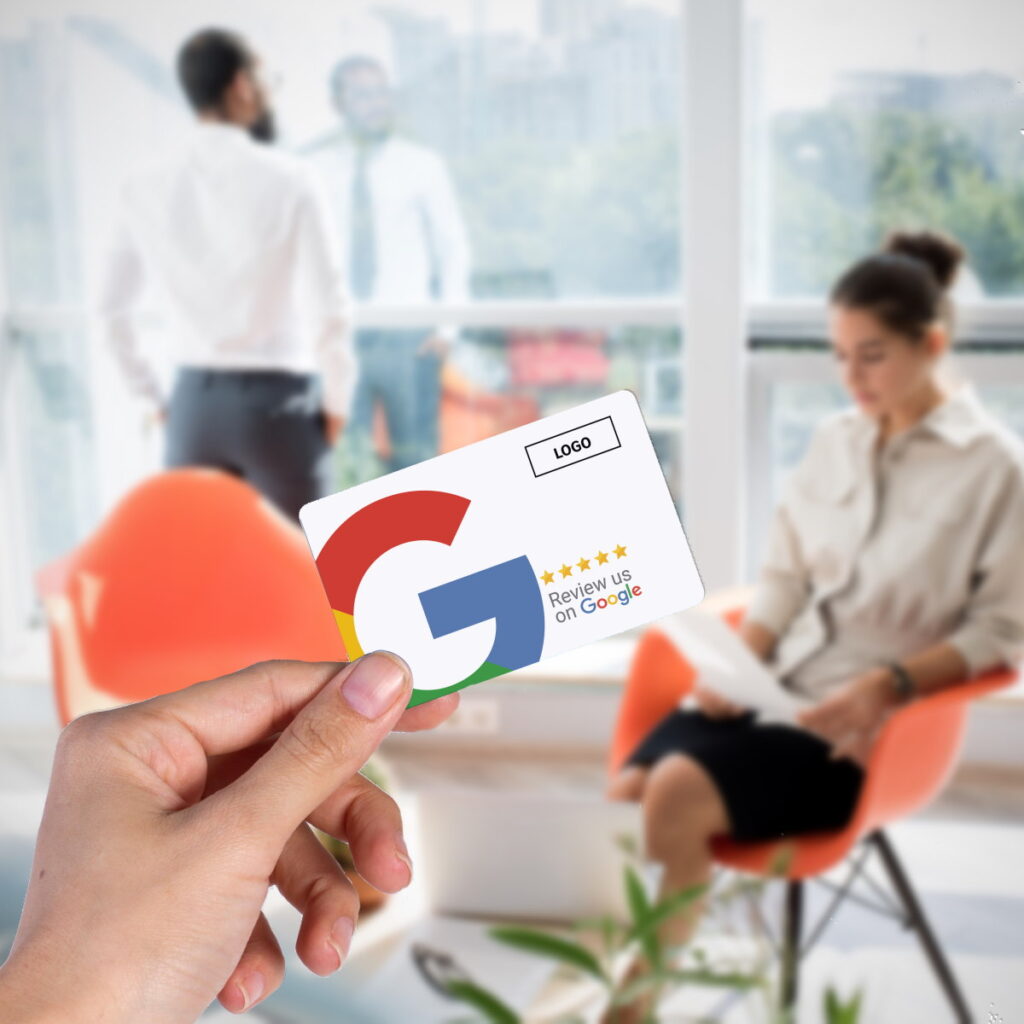
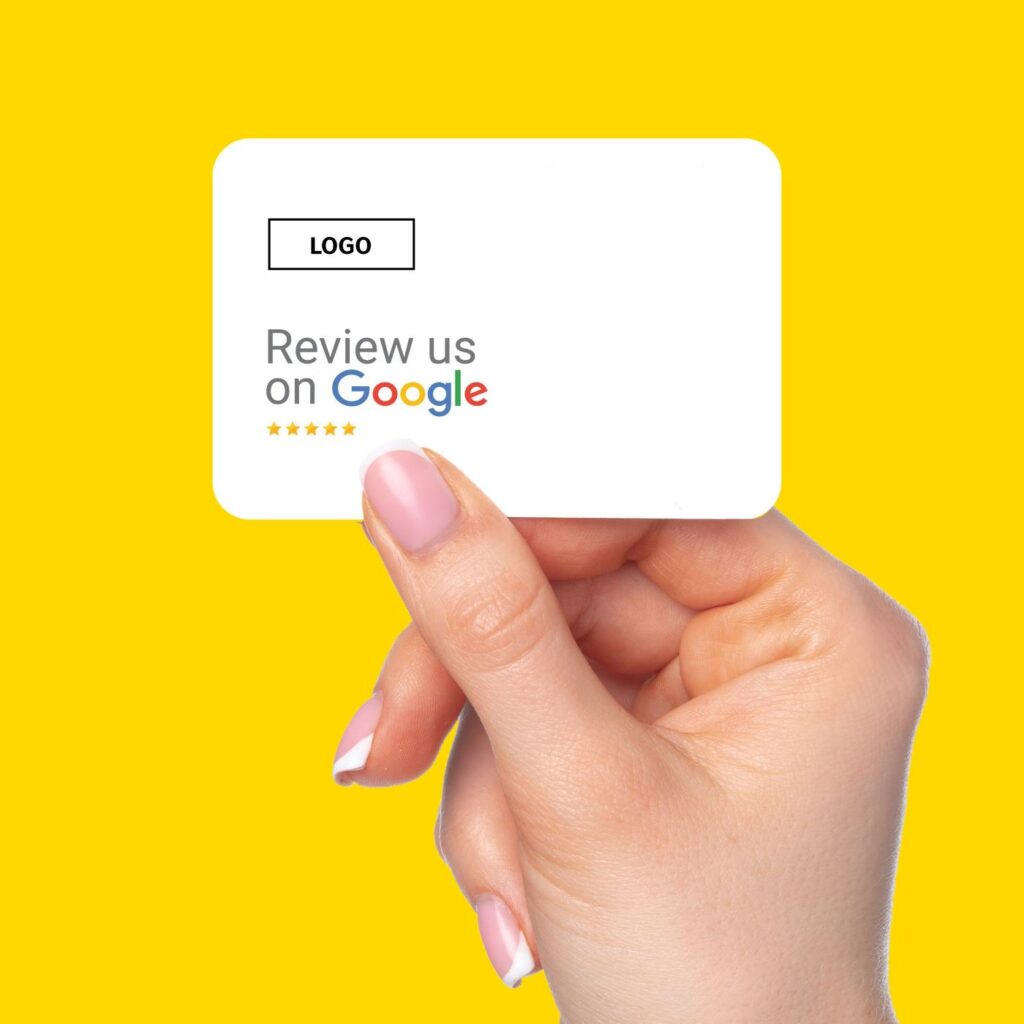
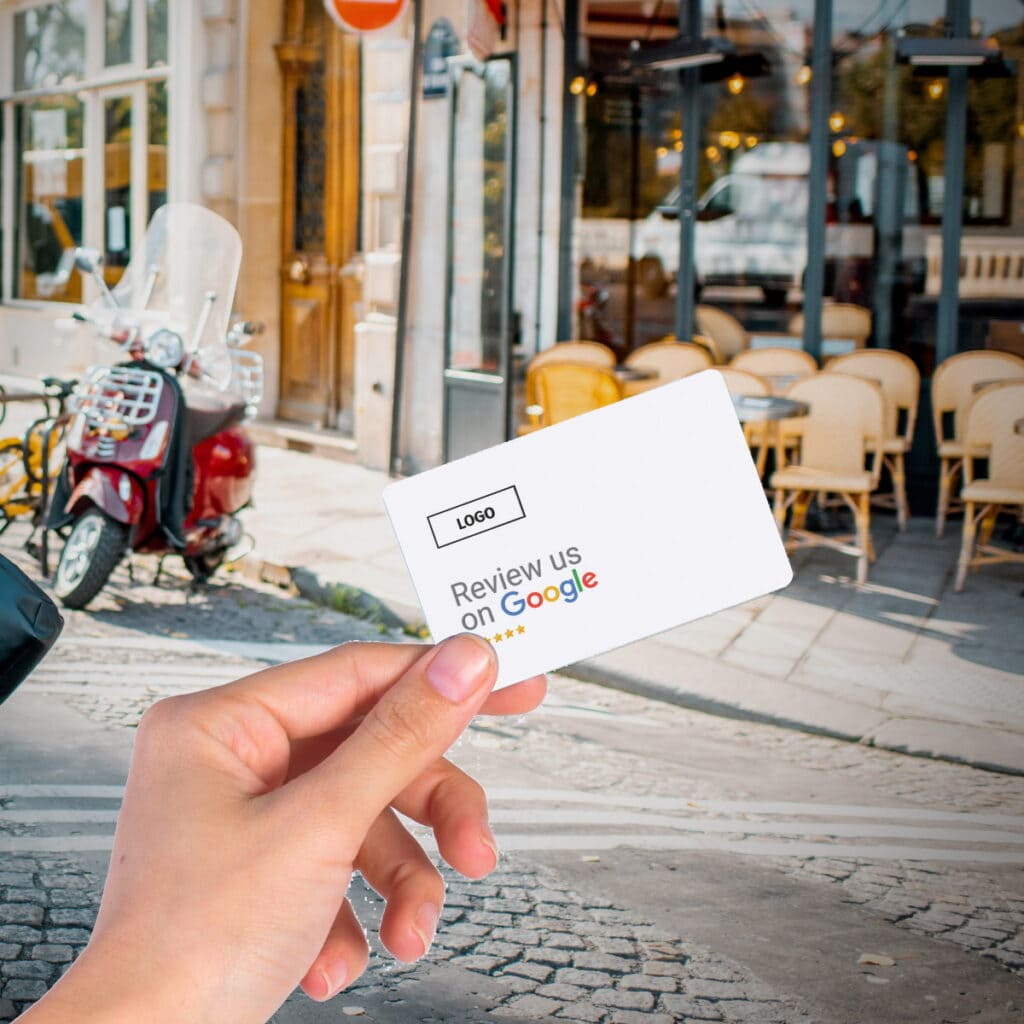
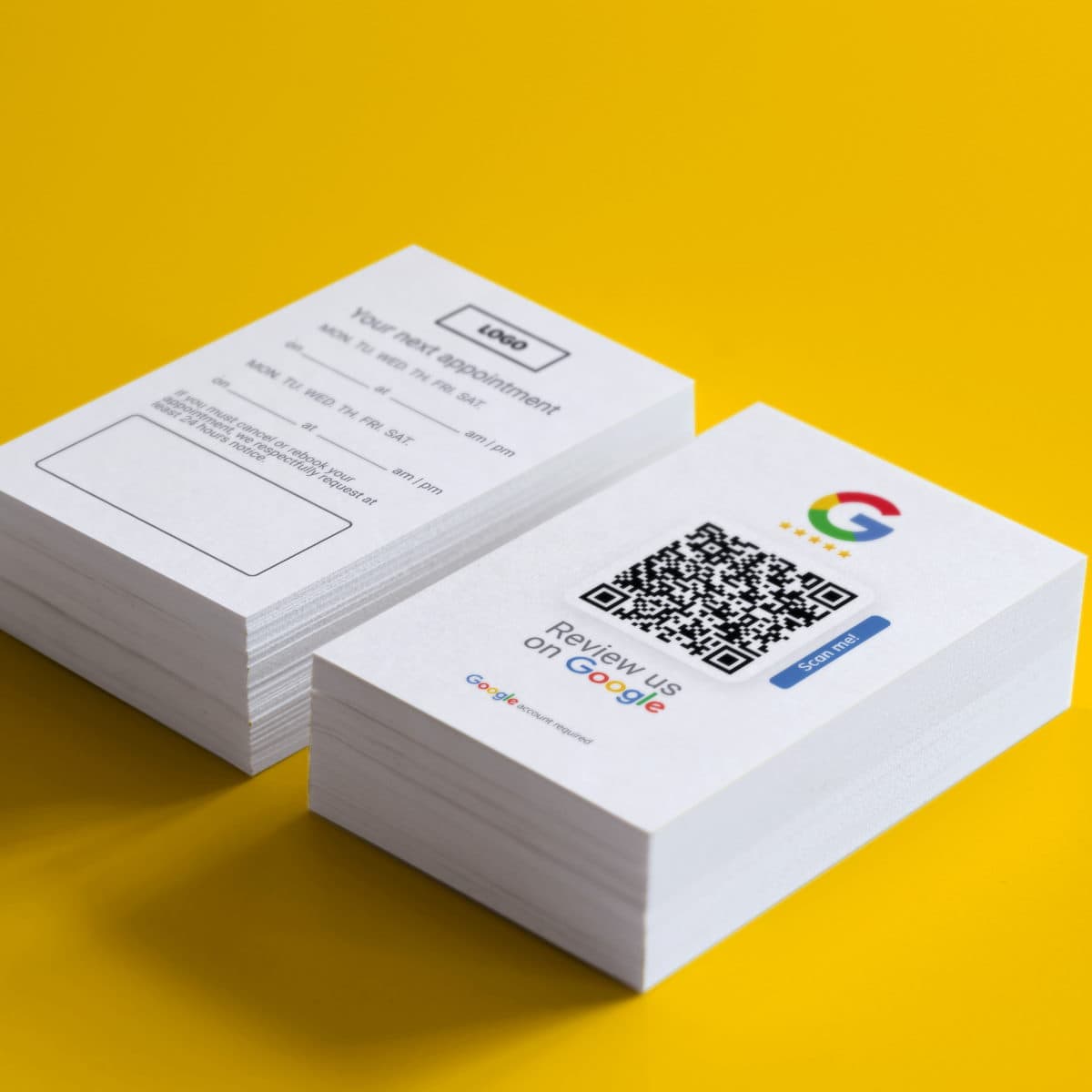
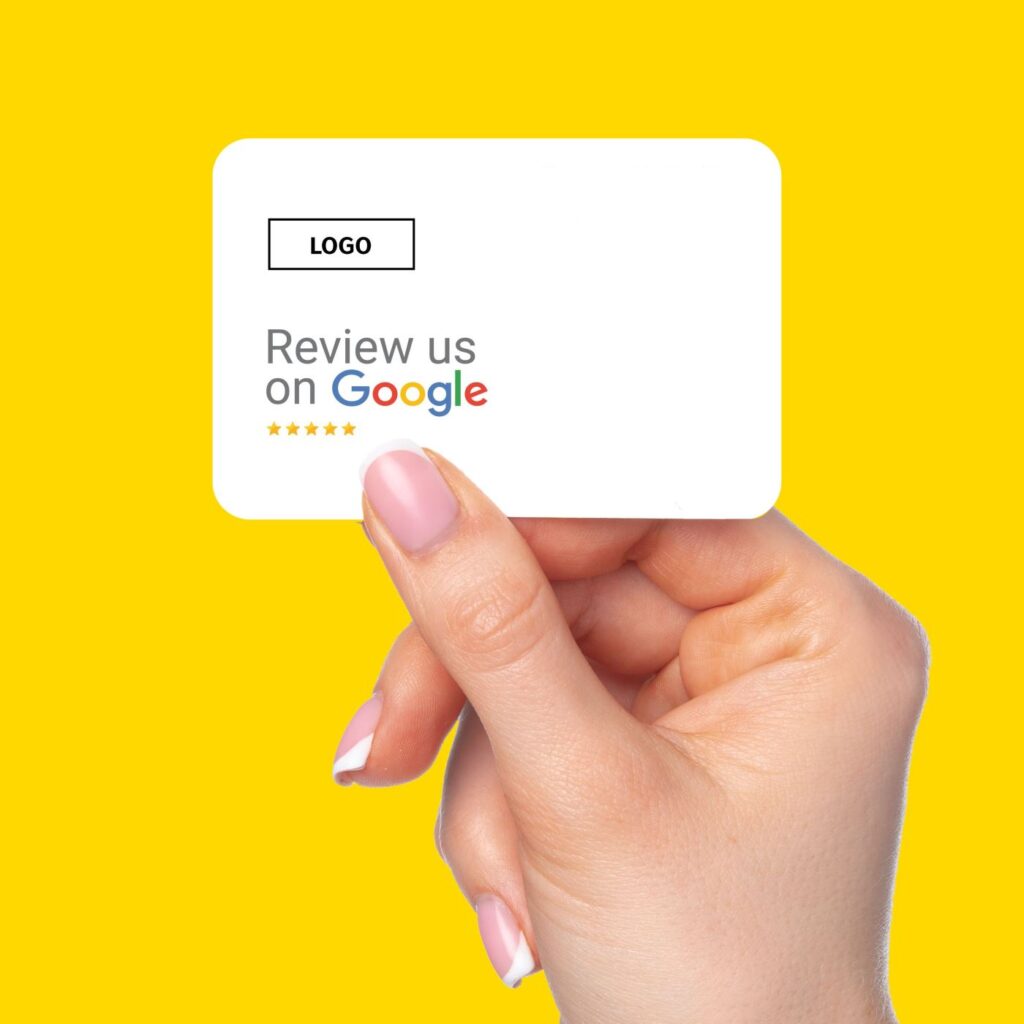
Choose a stand, sticker, business card, or review card — based on where customers interact with you.

2. We set it up (Managed Setup)

You share your business details. We verify the correct destination and configure NFC + QR — tested and ready to use.

3. Place it — collect reviews

Put it where satisfaction happens (counter, reception, checkout, invoice) and customers review in seconds.

Find the product that matches your business goals

Where Google review prompts work best

Place it close to the “thank you moment” — payment, completion, handover, reception, checkout. That’s when customers are most likely to follow through.

Restaurants & cafés

table, counter, bill

Clinics & practices

reception, appointment card, checkout

Retail

checkout, packaging, receipt

Beauty & Saloons

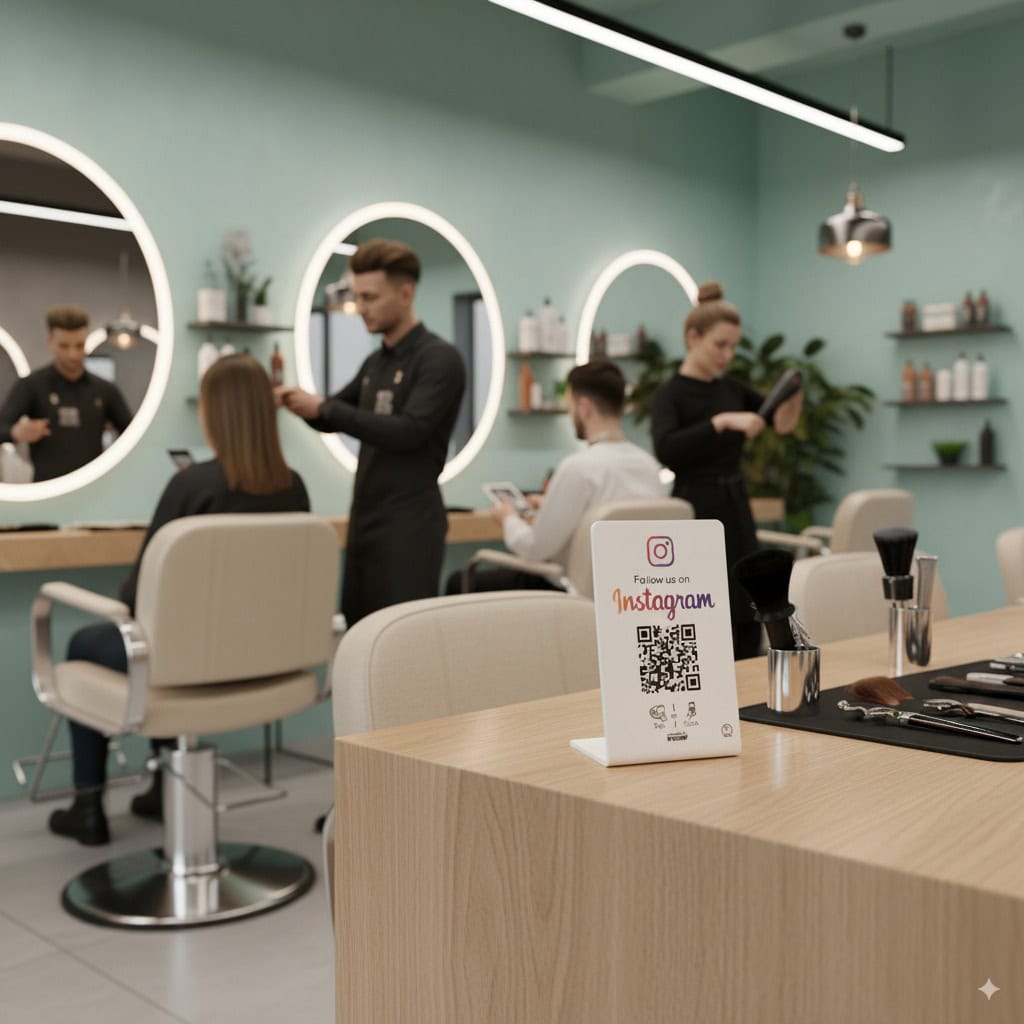
Reception, receipt

Real estate

brochure, office, viewings

Hotels & hospitality

reception, room folder, checkout

Choose your Google Reviews setup

Pick your products for Google Reviews. TRUZZER configures them for you — so you can start immediately.

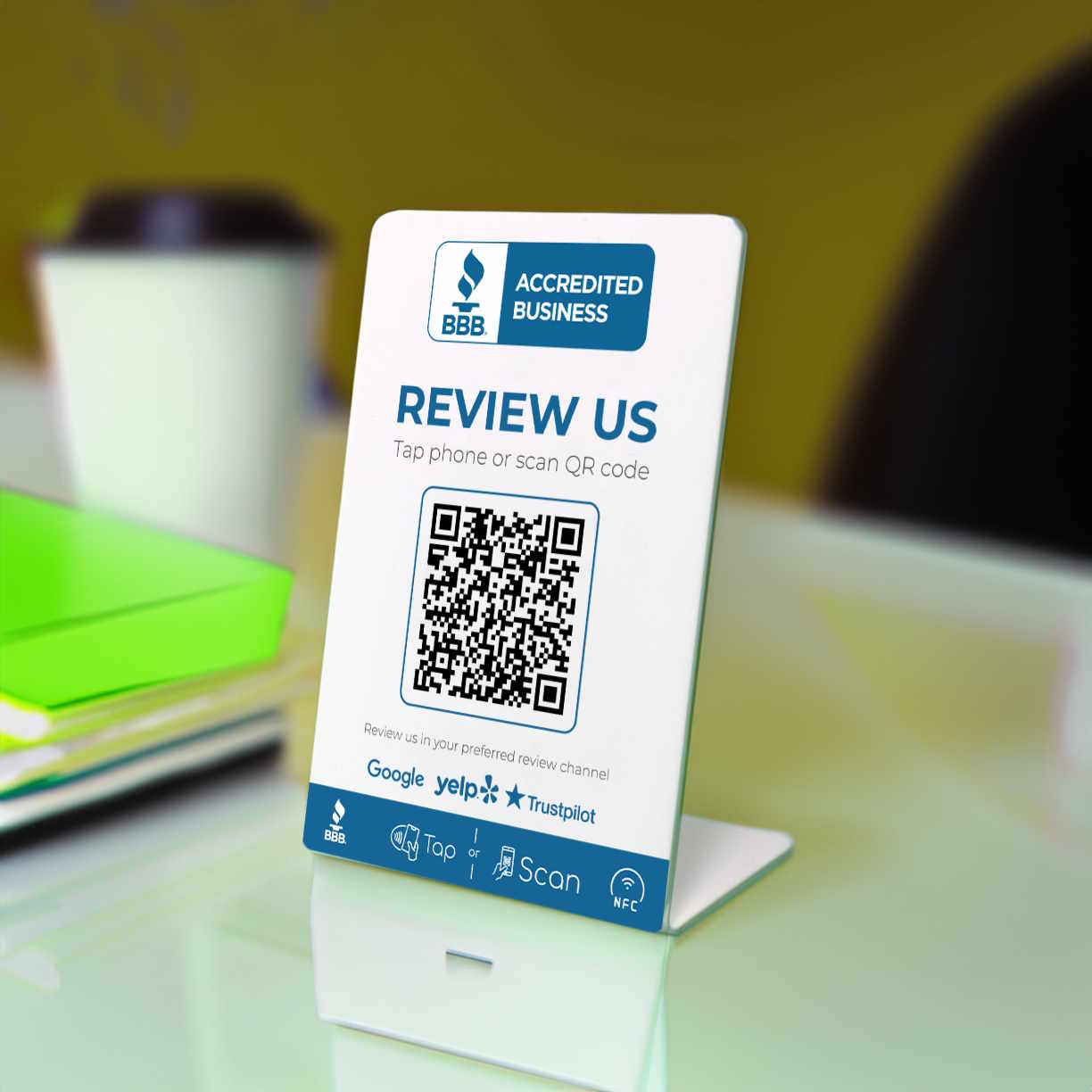
NFC Stand:

Counter visibility, instant tap

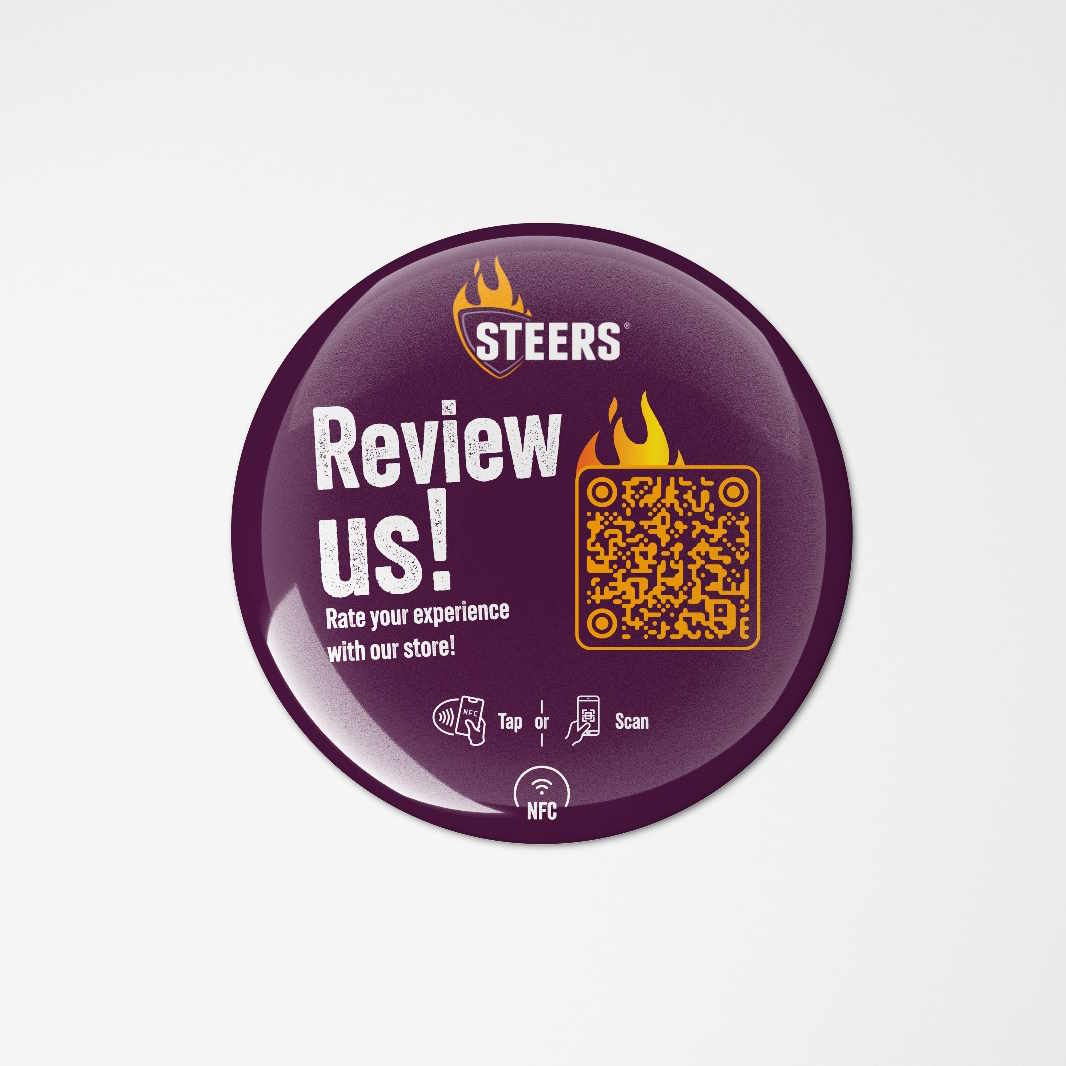
Stickers:

Permanent, high-traffic spots

Review Cards:

After-sales, invoices, handover

Why TRUZZER

You don’t need another tool. You need a setup that works in the real world — ready, tested, and easy to deploy.

Easy Setup

Order → unpack → place it. TRUZZER handles setup and testing for you.

Fast Shipping

Worldwide shipping — production and stock from multiple cities for speed.

No Subscription

Worldwide shipping — production and stock from multiple cities for speed.

FAQ

You don’t need another tool. You need a setup that works in the real world — ready, tested, and easy to deploy.

Do customers need a Google account to leave a review?

Yes. Reviews require a logged-in Google account. Many customers are already signed in on their phones.
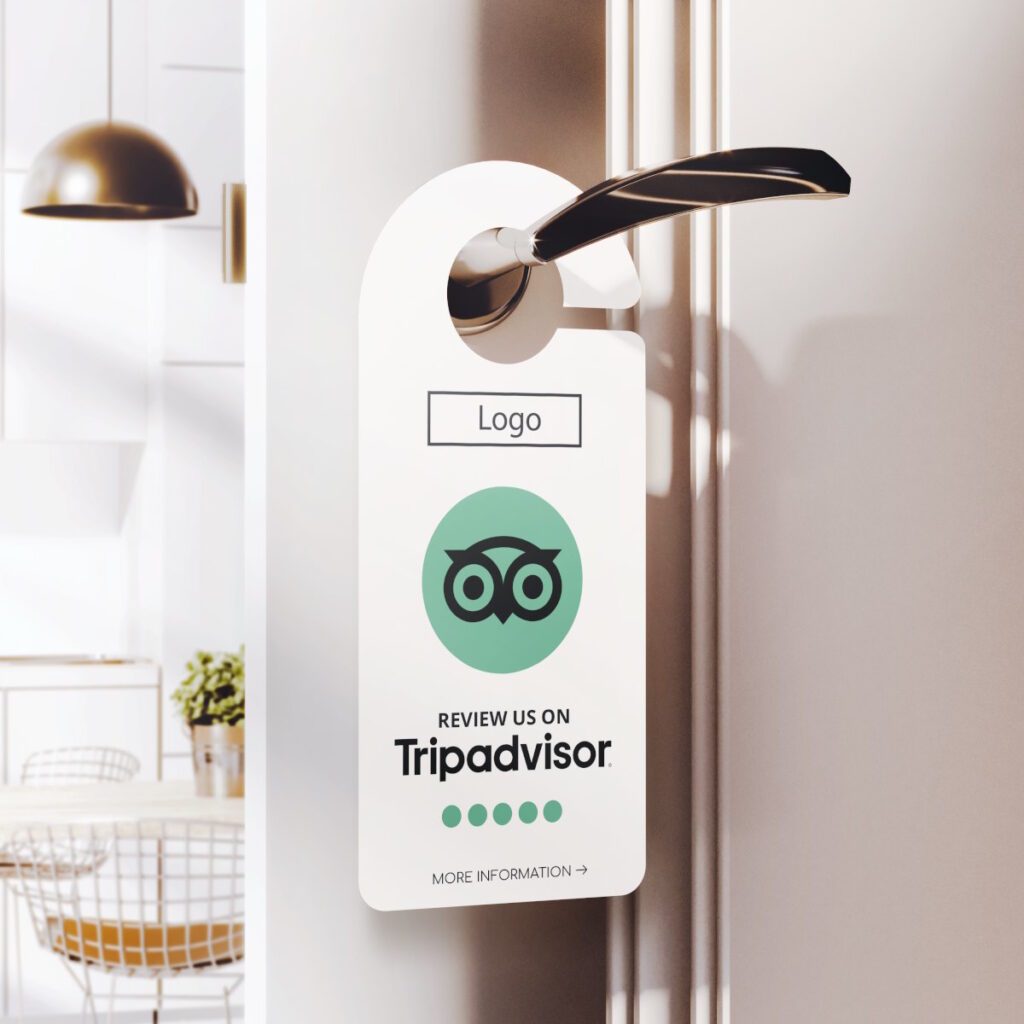
QR works on virtually any phone. NFC works on modern iOS/Android devices — and QR is always your fallback.

No. You purchase the product. No login, no dashboard, no self-service administration.
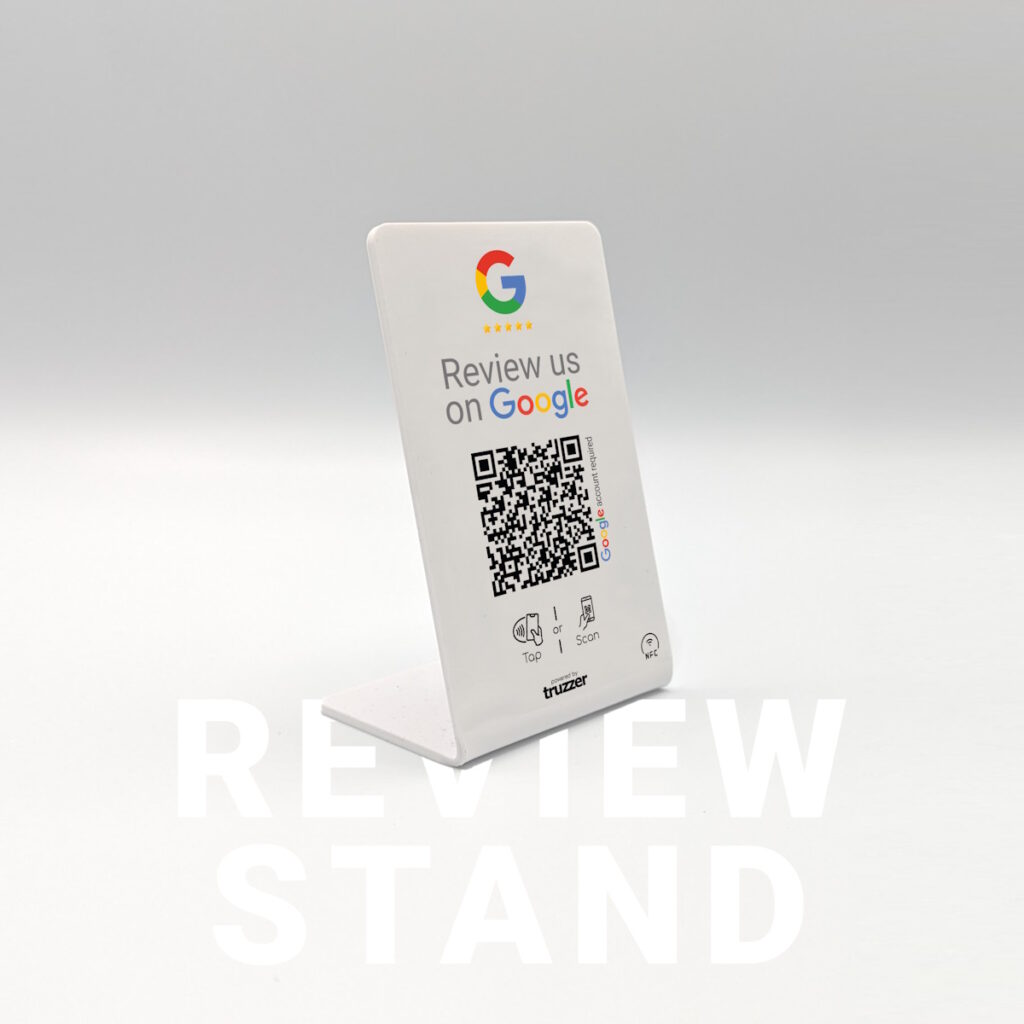
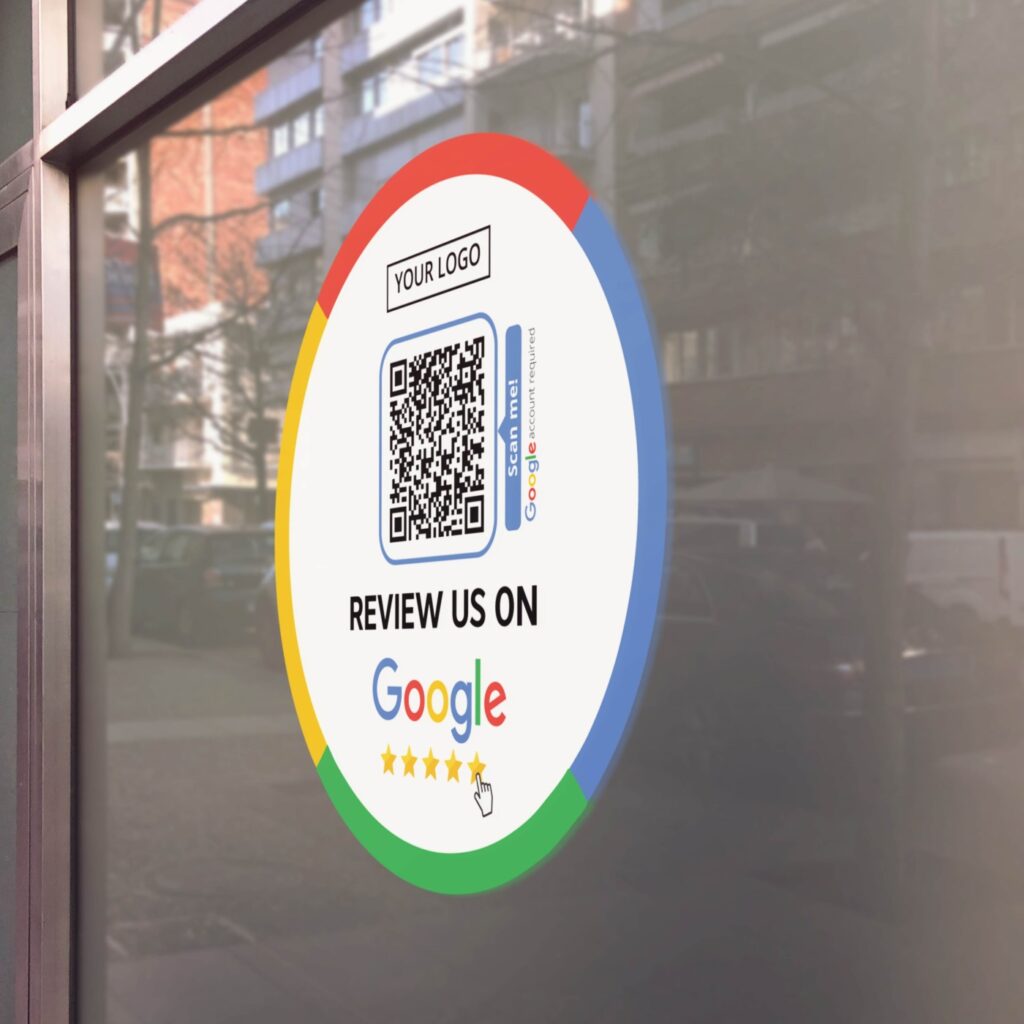
TRUZZER is not self-service. If you need changes, our support team handles it.

No. Reviews can’t be manipulated or selectively collected. TRUZZER simply reduces friction — customers still decide what they write.

It’s not recommended. Platforms generally prohibit incentives for reviews. Ask for honest feedback instead.

Ready to collect more Google reviews — with less friction?

Multiple locations or custom design?

We support large-scale orders and custom designs — including clean setup per location and fast worldwide delivery.

Google Review QR Code: the fastest way to turn happy customers into real reviews

A Google Review QR Code works because it removes the hardest part: starting. Most customers won’t search for your business later, scroll through similar listings, and then find the correct place to write a review. One scan can open the review action immediately — right when the customer is still present and satisfied. The result is not “magic.” It’s simply fewer steps, less procrastination, and a clearer call-to-action at the right time. TRUZZER products are built for this exact moment: a physical touchpoint that triggers one defined action — your Google review flow.

Google Review NFC: one tap beats any "please review us later" request

NFC is often the highest-converting trigger because it’s frictionless: customers just tap their phone — no camera app, no aiming, no scanning. In real environments (busy counters, quick checkouts, fast appointments), this matters. That’s why TRUZZER setups typically combine NFC + QR: NFC as the fast primary action, QR as the universal fallback so the flow works across devices.

Where to place your Google review prompt for maximum completion

Placement is the hidden multiplier. The best spots are where customers naturally pause: reception desks, checkout counters, tables, or the moment you hand over something meaningful (invoice, appointment card, packaging, completed service). Reviews spike when the request is immediate and effortless. Choose the product format based on your touchpoint: stands for constant visibility at the counter/table, stickers for high-traffic permanent placement, and cards for after-sales, invoices, and handovers.

"Do customers need Gmail?" — and how to handle the Google account step

Customers don’t need a Gmail address, but they do need a Google account and must be logged in to leave a review. That’s a platform requirement and can’t be bypassed. What you can do is remove every unnecessary step before that moment, so the login doesn’t feel like “extra work.” A simple line near the prompt helps set expectations: “To leave a review, you’ll need to be signed in to Google.”

How TRUZZER creates a done-for-you Google review setup

Many solutions fail because the link is wrong (wrong location, duplicate listing, outdated profile) or not tested across devices. TRUZZER solves this with Managed Setup: you provide your business details, we verify the correct destination and configure NFC + QR. You receive a ready-to-use product — no dashboard, no complex configuration, no guessing.

Multi-location businesses: avoid sending customers to the wrong branch

For chains and multi-location businesses, the most common problem is mis-routing: the QR/NFC points to the wrong location, an old listing, or a duplicate profile. The correct approach is a clean setup per location with verified destinations and consistent naming. TRUZZER supports large-scale orders and setup per location — so every branch gets the right review flow.

What not to do: avoid risky review tactics

If you want stable, long-term reviews, avoid anything that looks like manipulation. Don’t offer incentives (“discount for a review”) and don’t selectively ask only happy customers to review. The safest approach is to ask neutrally for honest feedback — and simply make it easy to act in the moment.